Messaging supports multiple conversation types to accommodate different communication needs. This section covers Direct Messages and Groups
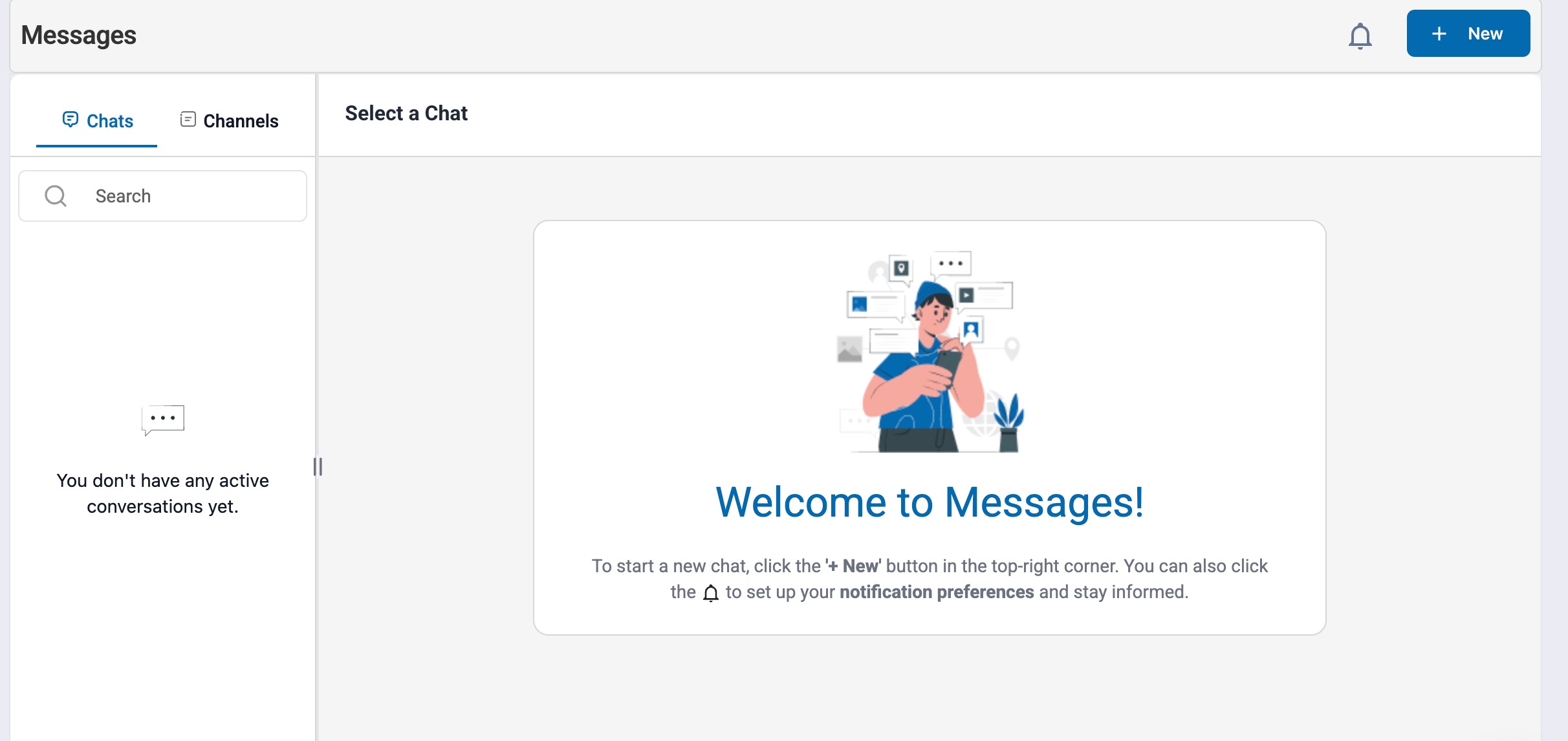
1.1 Direct Messages (DMs)
Direct Messages are one-on-one conversations between two employees.
Private communication between two users
Only the participants can view the conversation
Supports all core messaging features including Read receipts, emojis & reactions, typing indicators, date & timestamps, file and media sharing.
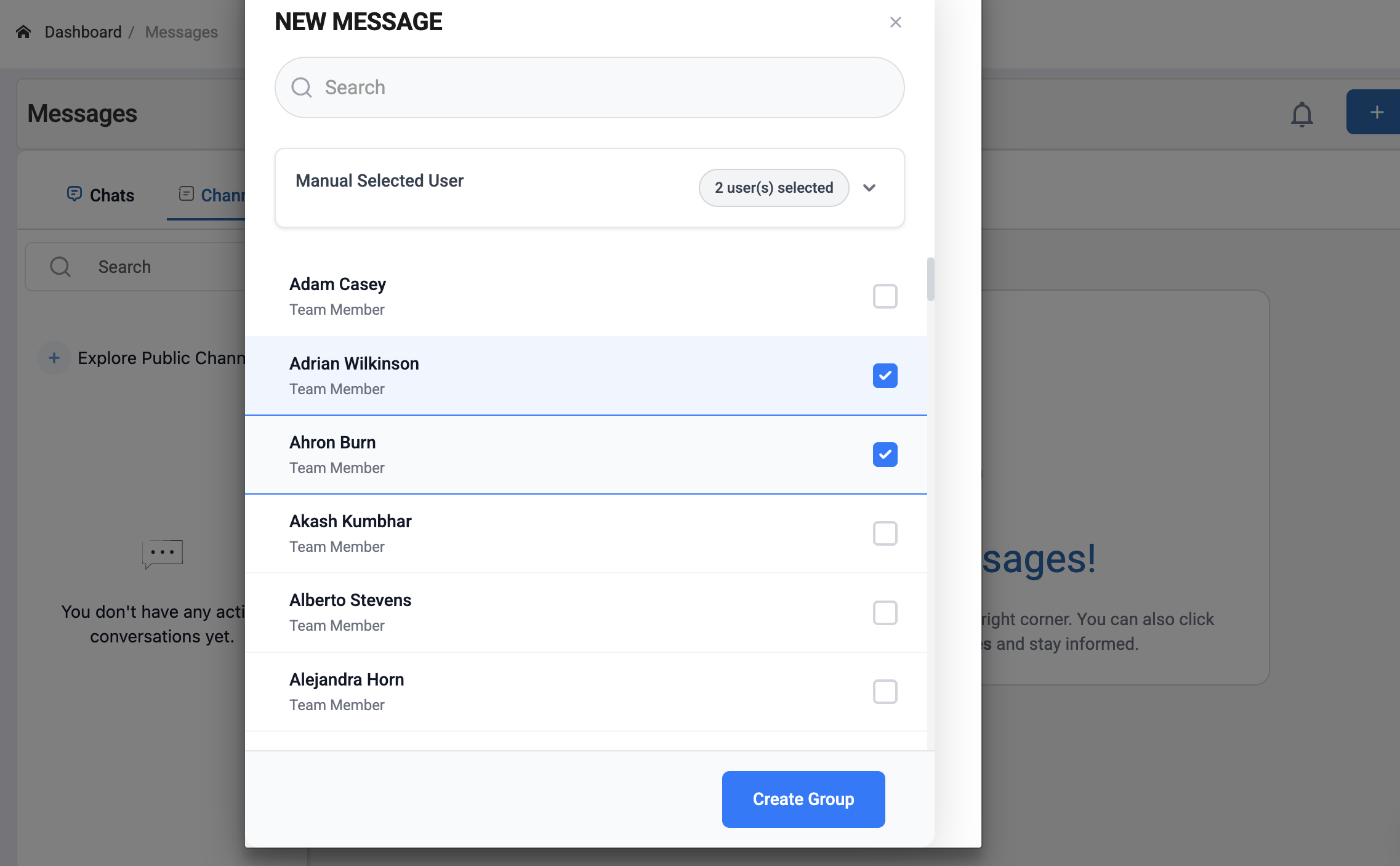
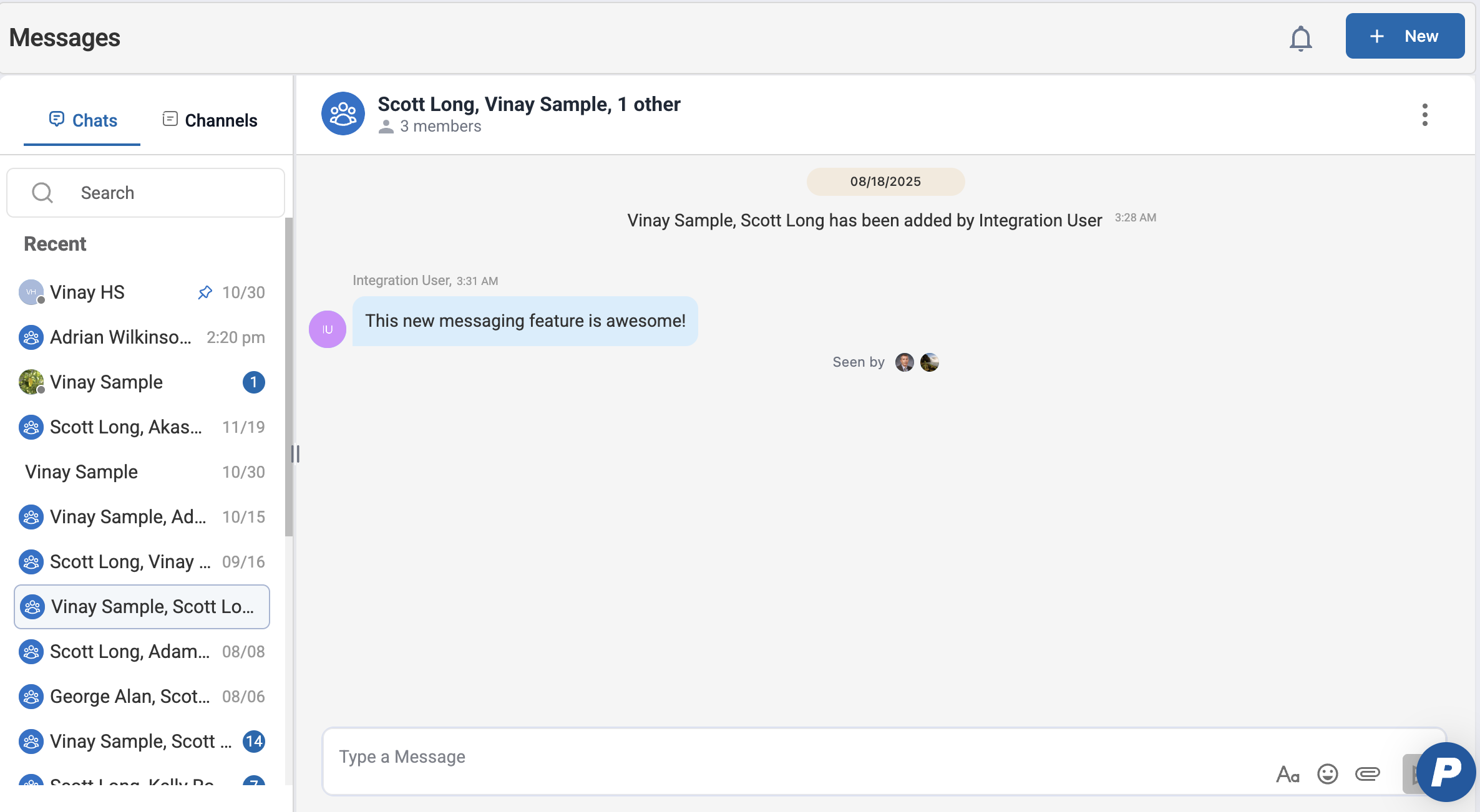
1.2 Groups
Groups are private conversations between multiple employees.
Private group conversations
Supports all core messaging features
Non members can't access/view unless added as a member.
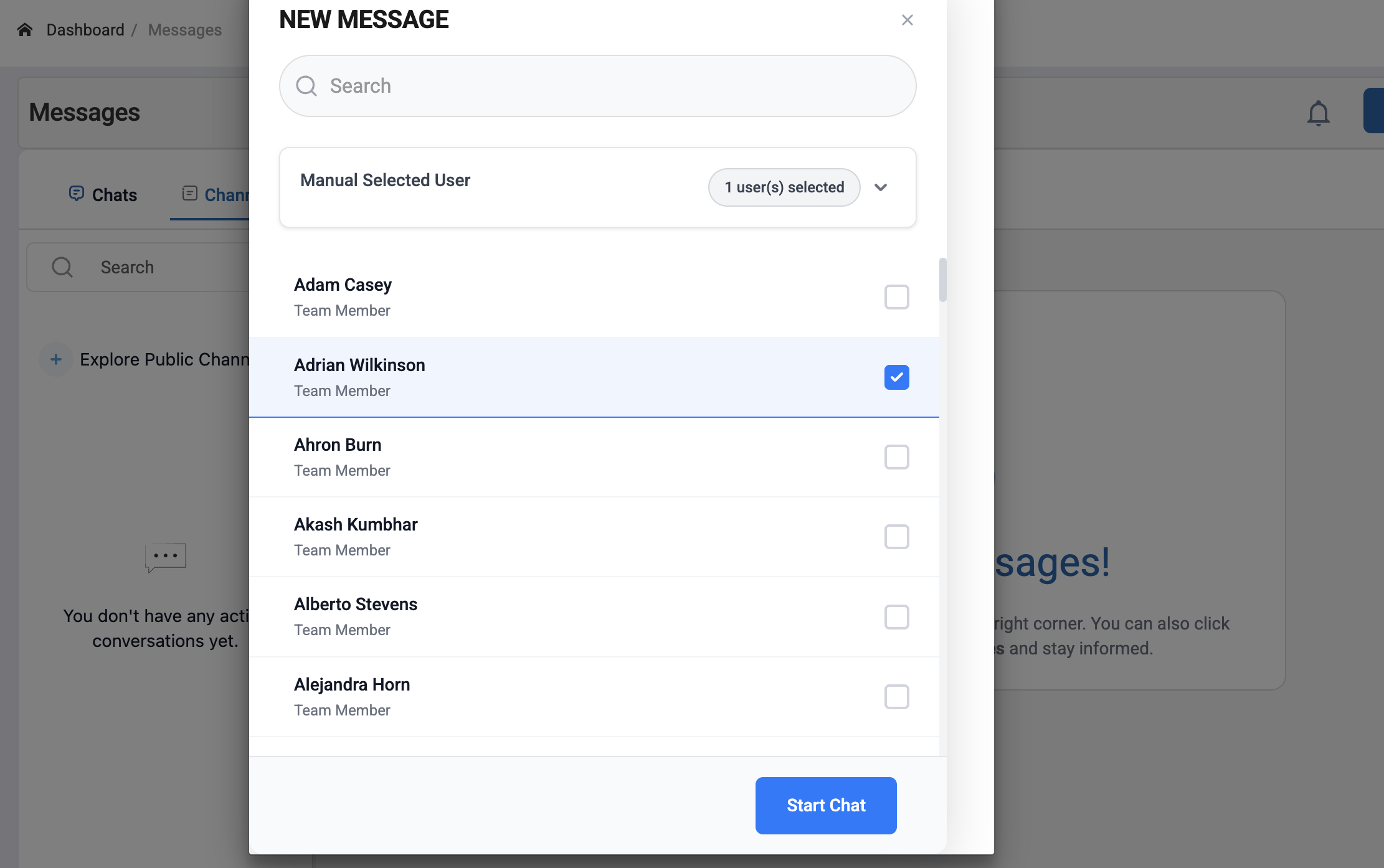
1.3 Sending a Message
Users can start a new conversation by sending a Direct Message (DM) or creating a Group from the Messaging module.
- Navigate to Main Menu > Messages.
- Click New to start a new conversation.
In the recipient search field, begin typing a name. - Select the intended recipient(s)
- Single recipient selected: DM conversation is created.
- Multiple recipients selected: Group is created.
- Click on Start Chat (DM) or Create Group (Group) conversations
Was this article helpful?
That’s Great!
Thank you for your feedback
Sorry! We couldn't be helpful
Thank you for your feedback
Feedback sent
We appreciate your effort and will try to fix the article