How to Update Progress in Goals
Login to your Paychex Flex® Engage account.
Click on Goals on the left-hand menu.
Navigate to the goal you wish to update progress on.
If the goal’s calculation is set to Manual, you can slide the progress bar to provide a completion percentage.

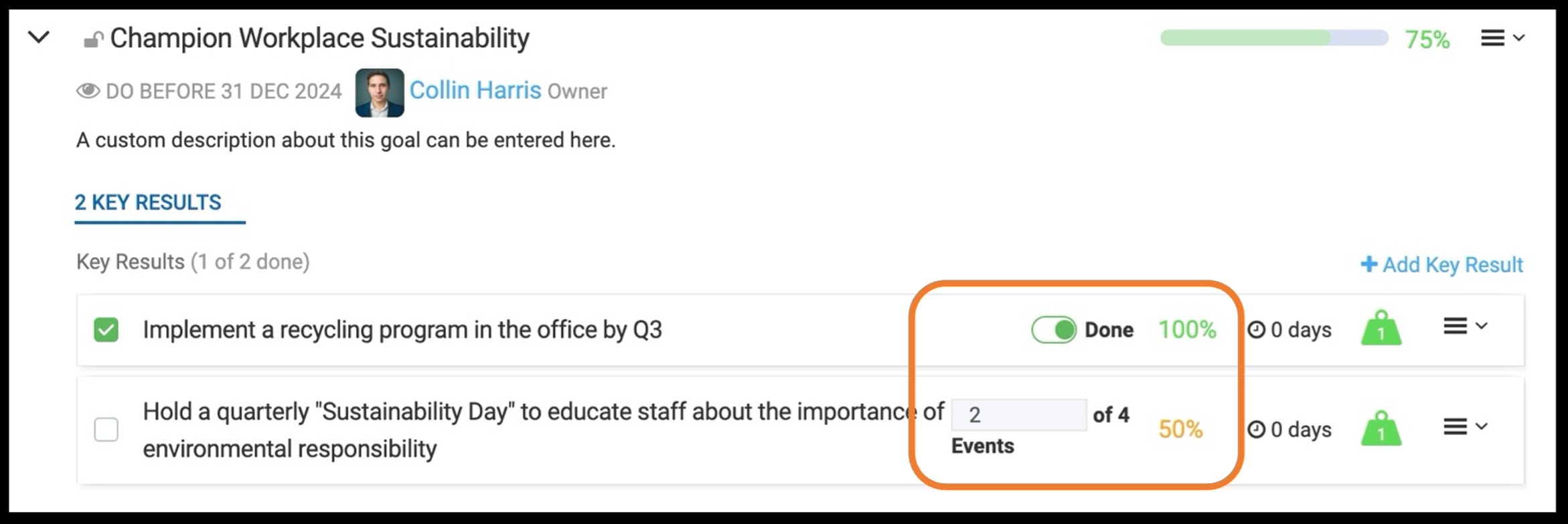
If the goal has Key Results attached to them, the progress from the Key results will factor into the overall goal completion.
Key results can be tracked by a percentage, Target/Metric or binary (true or false).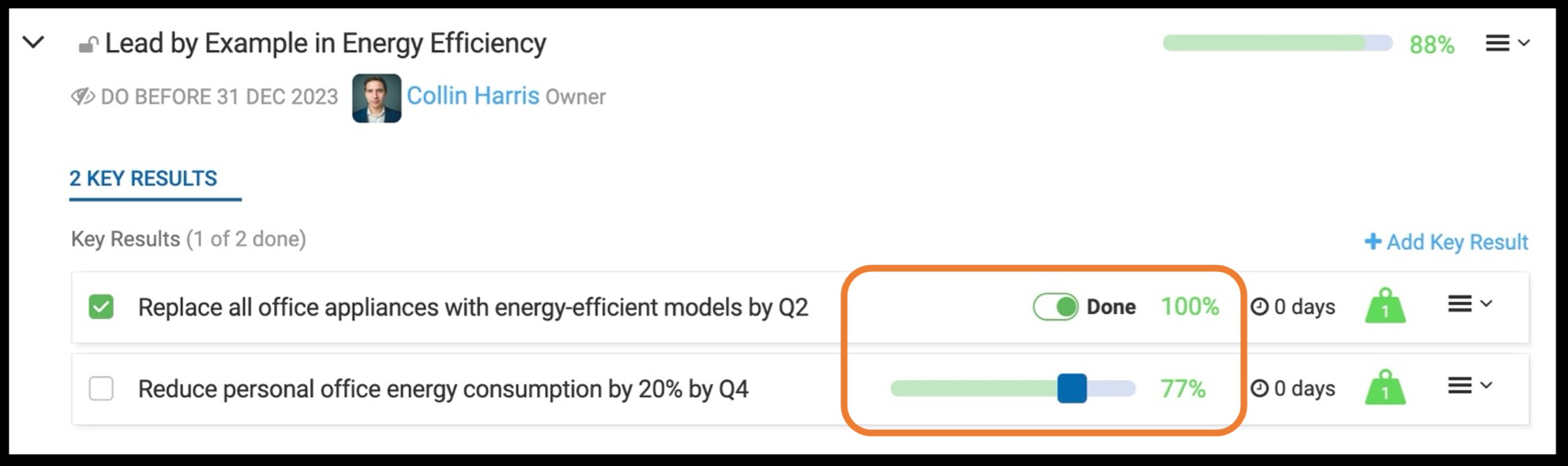
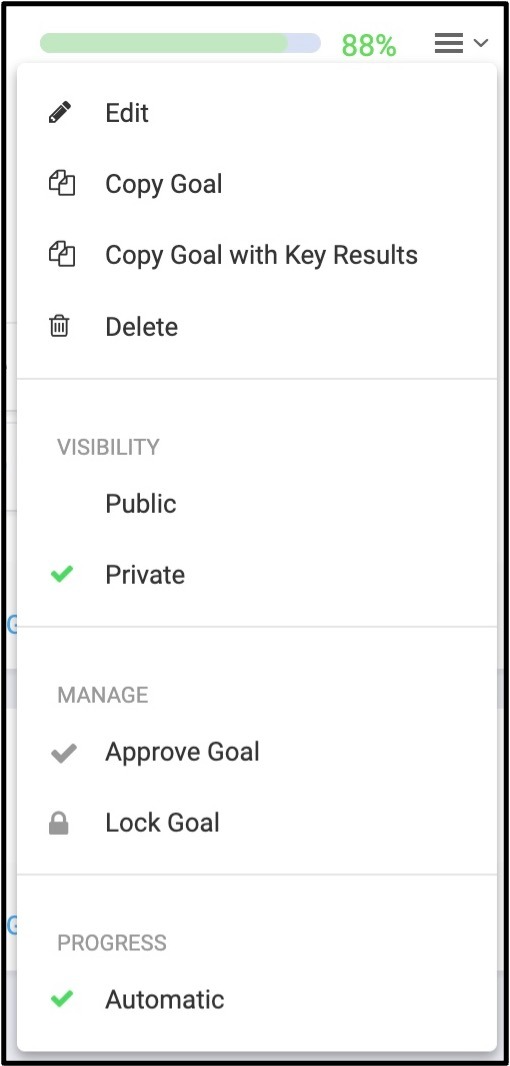
3.If you need to edit the goal, you can click on the three (3) line icon on the far right hand side and select Edit.


Was this article helpful?
That’s Great!
Thank you for your feedback
Sorry! We couldn't be helpful
Thank you for your feedback
Feedback sent
We appreciate your effort and will try to fix the article