Users with access to the Forms module can create new form submissions either on themselves (Employees) or on their direct reports (Managers). The process for submitting a form is consistent across both user types.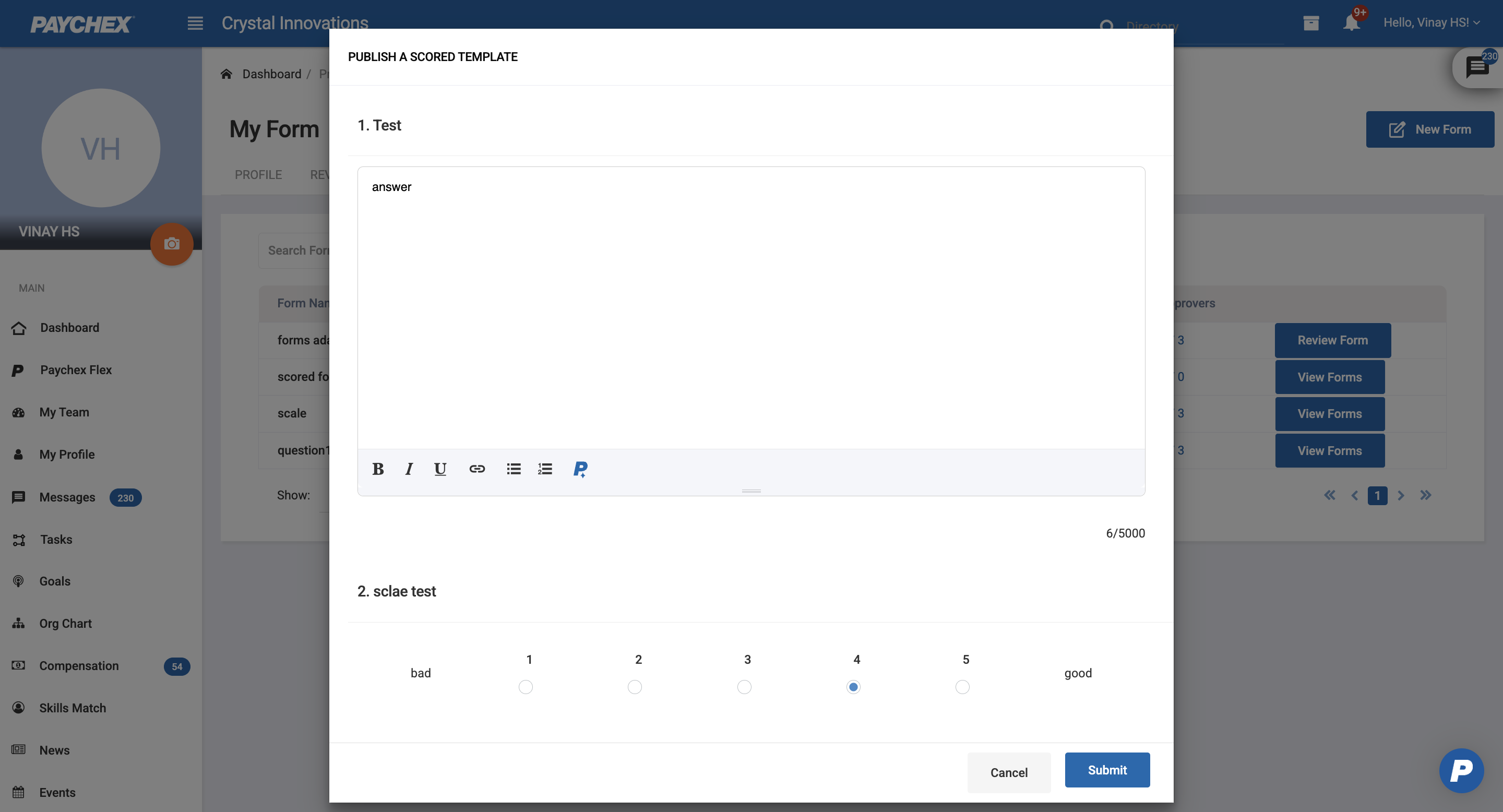
Users can click on New Form to initiate a form submission
Employees
Navigate to My Profile > Forms.
Click New Form.
Managers
Navigate to My Team > Forms.
Locate the employee on whom the form needs to be submitted.
Click New Form next to the employee’s name.
After clicking New Form, the system displays a list of available form templates.
Only templates the user is allowed to access based on Form Access Permissions (Employees & Up or Managers & Up) will appear.
Once a template is selected, the form will open with all questions and descriptions defined in that template.
At the bottom of the form, two actions are available:
Submit: Saves and submits the completed form. If approval is enabled, the form enters the approval workflow.
Cancel: Discards the form and returns the user to the previous screen without saving any answers.
Was this article helpful?
That’s Great!
Thank you for your feedback
Sorry! We couldn't be helpful
Thank you for your feedback
Feedback sent
We appreciate your effort and will try to fix the article