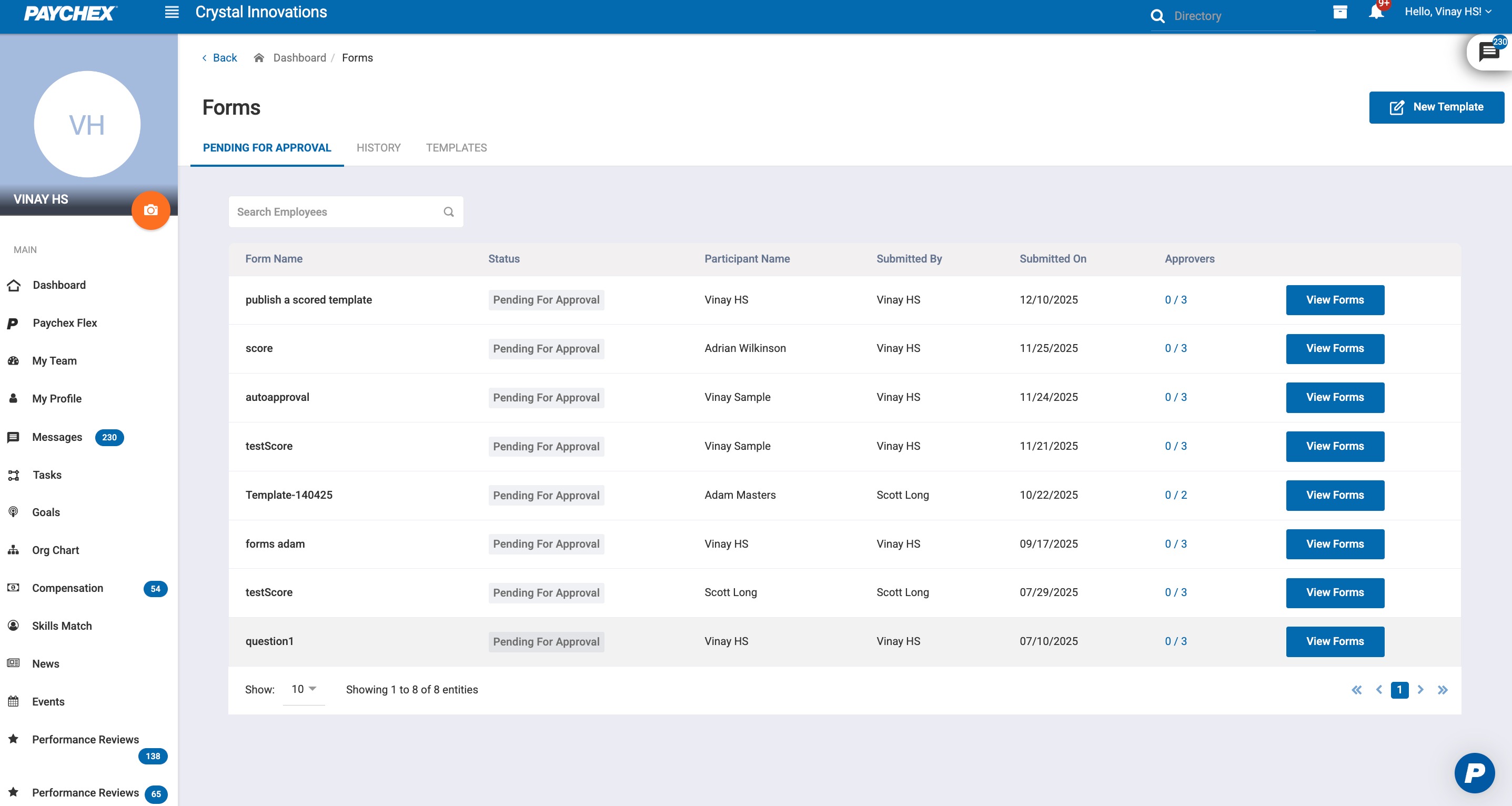
Forms that require approval (based on the template’s configuration) will appear in the Pending for Approval section for admins or designated approvers. Approvers can review the submitted form, verify the details, and take action using the Approve or Reject buttons.
1.1 Accessing Forms Pending Approval
Navigate to System Management > Manage Forms.
Select the Pending for Approval tab.
A list of all forms awaiting approval is displayed, including Approver(s) list.
Click on a form entry to open the approval screen.
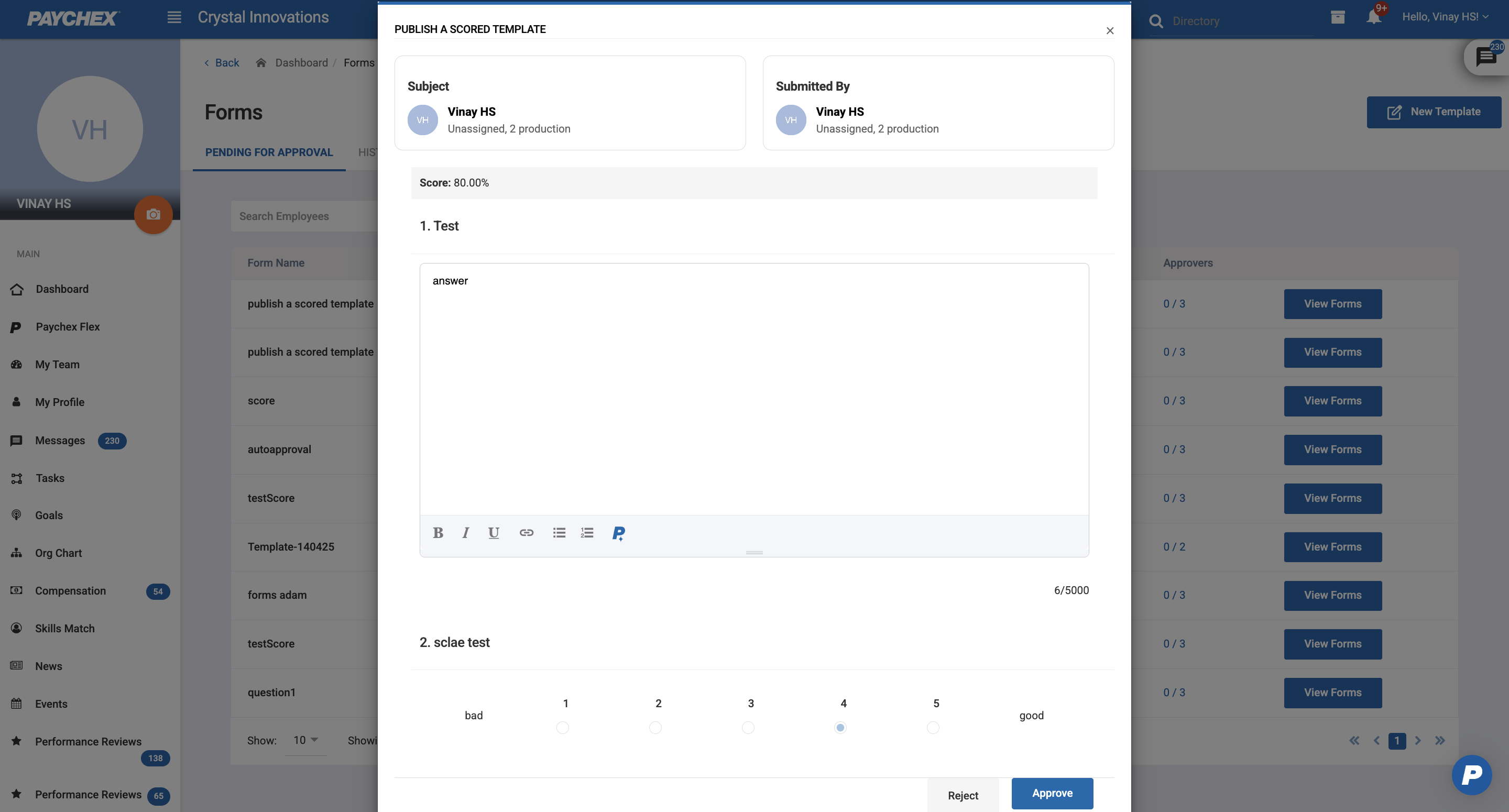
Admins can't approve the form that they submitted on themselves
1.2 Approve
Finalizes the form as approved.
If notifications are enabled:
Subject will receive an approval email.
The form is moved from Pending for Approval to History.
Was this article helpful?
That’s Great!
Thank you for your feedback
Sorry! We couldn't be helpful
Thank you for your feedback
Feedback sent
We appreciate your effort and will try to fix the article