If the Require Employee Acknowledgement Before Viewing setting is enabled in the template, users must acknowledge the form before they can view its contents.
Employees can acknowledge forms from:
My Profile > Forms
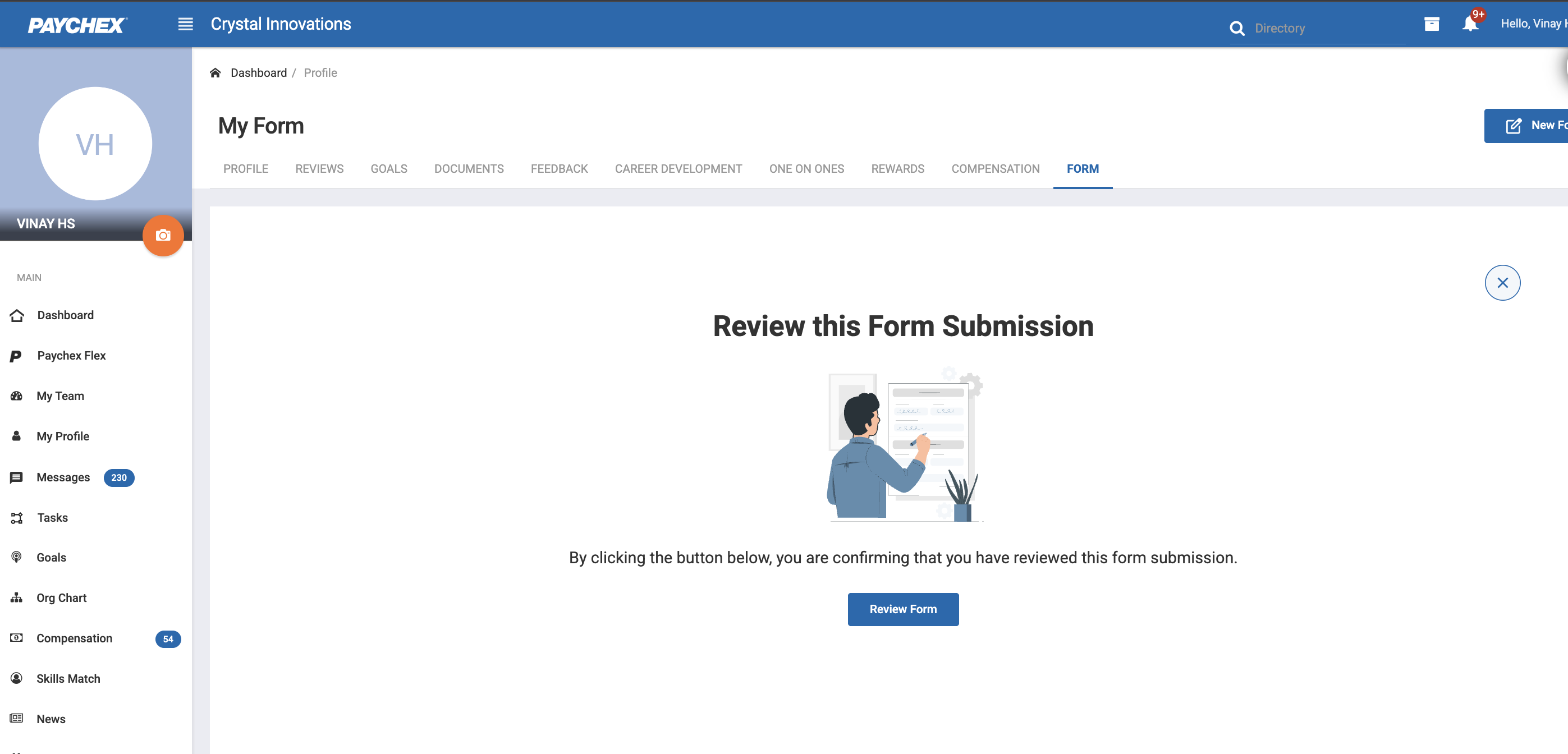
Forms requiring acknowledgement will display a Review Form button.
1.1 Acknowledgement Process
Click Review Form next to the form.
A screen appears requesting the user to acknowledge the form.
The user must click Review Form.
After acknowledging, the user can view form details and contents.
Acknowledgement is required only once per form submission.
Was this article helpful?
That’s Great!
Thank you for your feedback
Sorry! We couldn't be helpful
Thank you for your feedback
Feedback sent
We appreciate your effort and will try to fix the article